Agentation - A dev tool that makes it easier for AI coding agents to fix UI
Translated by AIView original
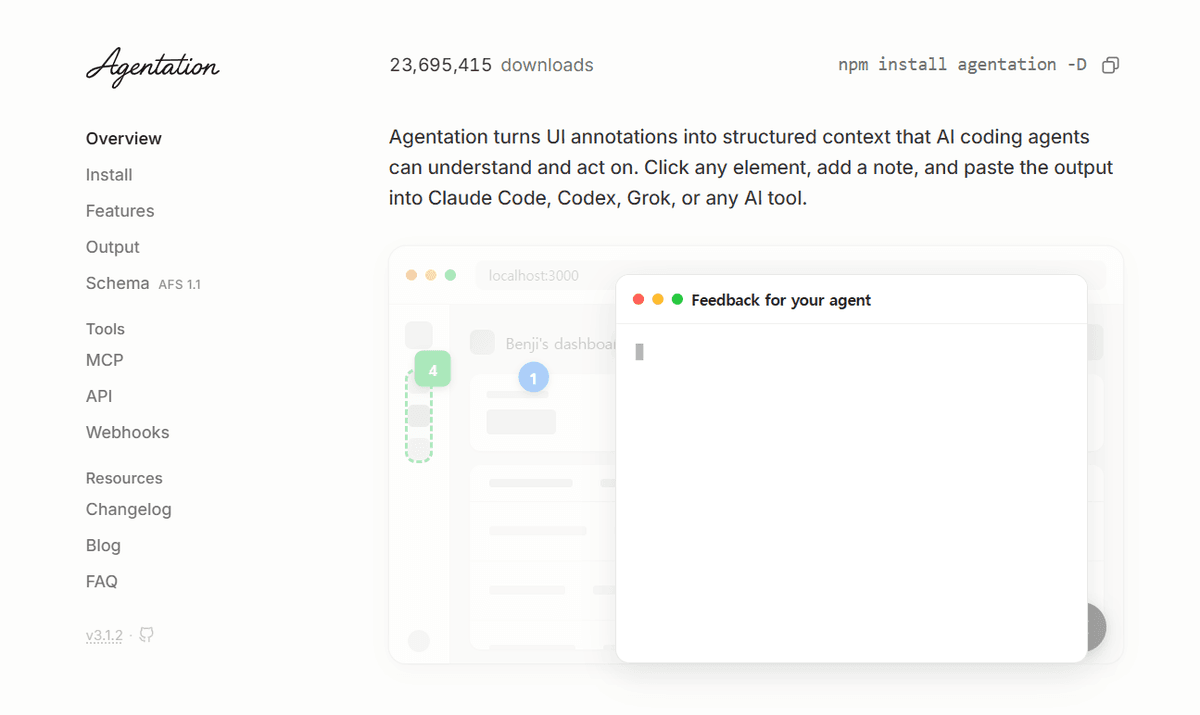
Agentation is a dev tool that lets you click UI elements right on the screen and leave a note, then turns that feedback into structured context an AI coding agent can understand.
You click an element, write a note, and paste the output into an AI tool like Claude Code, Codex, or Grok.
The problem it solves
- When you ask an agent to fix the UI in words like "the blue button in the sidebar," it's easy for the agent to change the wrong element.
- Agentation passes along a selector like .sidebar > button.primary, so the agent can grep the codebase directly.
How it works
- Install it as a dev dependency with npm install agentation -D.
- Click the icon in the bottom-right corner of the screen to turn it on.
- Hover over an element to see its name, then click it and write your feedback.
- Copy the formatted markdown and paste it into your agent.
What the agent gets
Depending on the output settings and page setup, it includes:
- CSS selector
- Source file path (you can jump straight to that line)
- React component tree
- Computed styles
- Your feedback with intent and priority
MCP integration
Connect via MCP and the agent reads your feedback directly, with no copy and paste. The agent can also reply to annotations. For example, it can ask "Is it 24px or 16px?" or resolve an annotation with a summary after making the fix. There's also a webhook and an API.
Other
- You can pause animations to annotate a specific frame, and you can select text to mark typos.
- Currently works on desktop only.
- Free for personal and internal company use. Bundling it in a product you sell and redistributing it requires a commercial license.
0 comments4 views
Comments 0
No comments yet
Be the first to comment.